A file can leave your dashboard in seconds. The real question is whether it stays under your control after it does. Password protected file sharing gives you a practical way to send a proposal, tax document, project folder, or personal record without making it available to anyone who happens to receive the link.
For individuals and teams, this is not about adding friction for its own sake. It is about giving the right people access while keeping everyone else out. A password is one layer of protection that helps turn a simple share link into a controlled handoff.
What Password Protected File Sharing Does
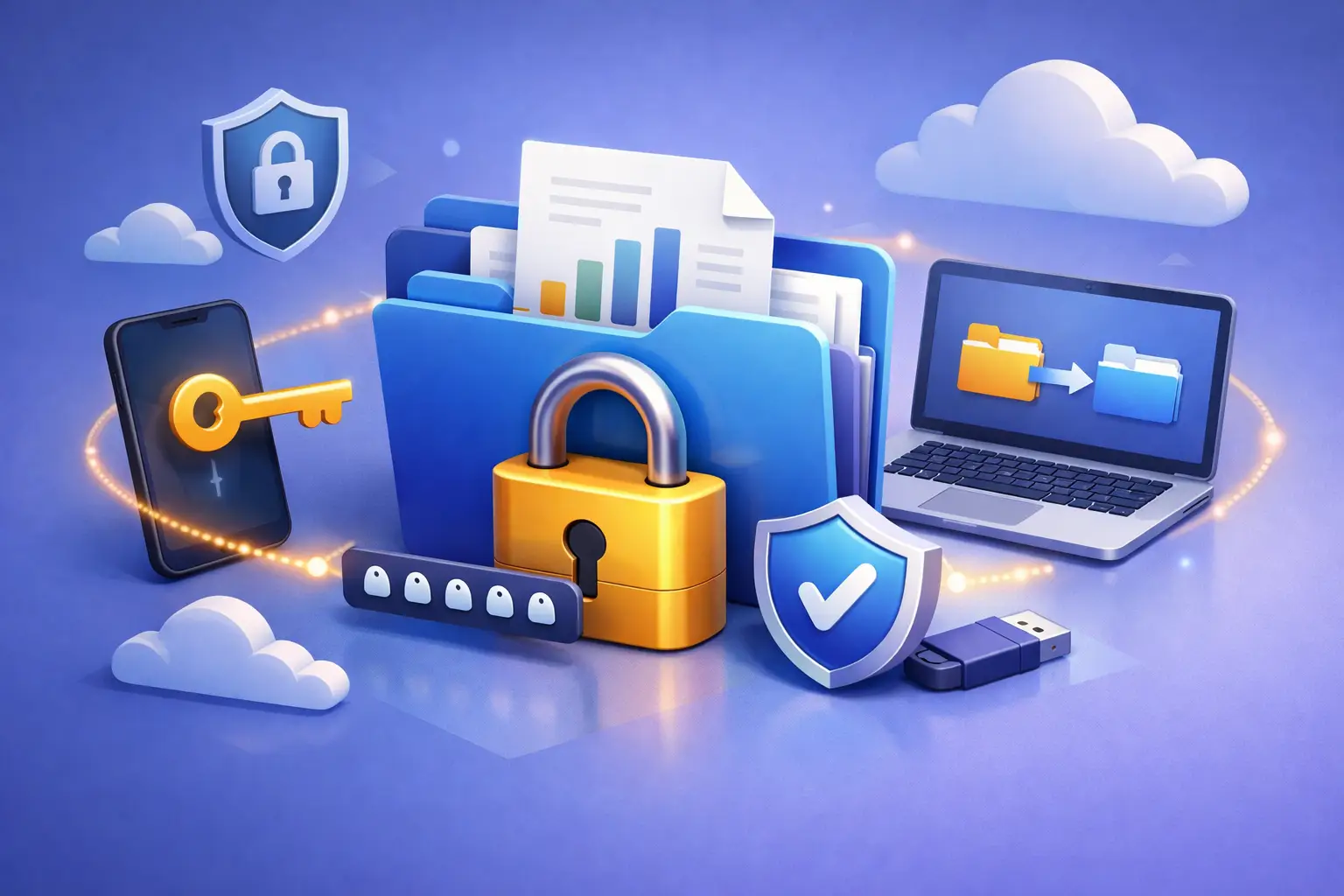
Password protection adds a second requirement before a recipient can open a shared file or folder. They need the share link and the password you set. If the link is forwarded, copied into the wrong email thread, or viewed by someone nearby, the password still stands between that person and your files.
That distinction matters when you share content that is private, valuable, or tied to ongoing work. A photographer delivering client galleries, a freelancer sending a contract, and a small business exchanging financial reports all have different needs. Each benefits from being able to decide who can view a file and for how long.
A password should not be treated as the only security control. It works best alongside encrypted storage, permission settings, expiration dates, and careful recipient communication. Together, these controls reduce the chance that a file stays available longer or reaches farther than intended.
When a Password Is Worth Using
Not every file needs the same level of protection. A public event flyer may be fine with a standard link. A folder containing employee information, client drafts, invoices, ID documents, or unreleased creative work deserves more care.
Password protection is particularly useful when email is not the right place for a large or sensitive attachment. Instead of attaching multiple files and losing track of versions, you can upload the latest file, share a protected link, and keep the original organized in one location.
It also helps when you do not fully control the recipient’s environment. Maybe a client checks email on a shared office computer, a student is sending records to a family member, or a contractor works across several devices. A password gives you an additional safeguard without requiring them to create a new account or learn complicated software.
There is a trade-off: every extra step can create a small barrier for recipients. For a time-sensitive, low-risk file, a password may be unnecessary. For files that would cause stress, cost, or confusion if exposed, that extra step is usually well worth it.
How to Share Files With More Control
A secure sharing process should be simple enough to use every time. The goal is not to create a maze of settings. It is to make thoughtful access decisions before the link leaves your hands.
Start with the right file or folder
Upload the final version whenever possible. If you are sharing a folder, check what is inside it first. An otherwise appropriate project folder can accidentally include old drafts, internal notes, or files intended for another client.
Clear names make this easier. Use folders that reflect a project, customer, class, or date range, and avoid placing unrelated sensitive materials together just because there is extra storage space.
Set a unique, strong password
Choose a password that is difficult to guess and is not reused from a personal or work account. A long phrase made from unrelated words is generally easier to communicate accurately and harder to predict than a short, familiar term.
Do not put the password in the same message as the link when you can avoid it. Send the link by email, then share the password through a phone call, text message, or another trusted channel. This does not make access impossible for a determined attacker, but it reduces the risk created by a single forwarded message.
Add an expiration date when access is temporary
Passwords protect entry. Expiration dates control duration. If a client only needs files for a week, or a vendor only needs access through the end of a project, set the link to expire when that need ends.
This is one of the most useful habits in password protected file sharing. Without an expiration date, a link can remain active in old inboxes and saved messages long after everyone has moved on. A defined end date helps keep temporary sharing temporary.
Choose permissions that match the task
Viewing, downloading, editing, and managing are not interchangeable permissions. Give recipients only the access they need to complete the task. If someone needs to review a document, they may not need the ability to change or remove it. If a teammate needs to contribute to a shared workspace, broader permissions may be appropriate.
For teams, granular roles prevent accidental changes while keeping collaboration moving. Administrative controls and activity tracking become especially valuable when several people handle operational files or customer materials.
Common Mistakes That Weaken Secure Sharing
The most common sharing problems are usually not technical failures. They are small decisions made too quickly: reusing an old password, granting access to an entire folder when one file would do, or leaving a link active indefinitely.
Another mistake is assuming a password makes a file fully private after it is opened. A recipient may still download it, take a screenshot, or forward the password. Password protection limits access before opening, but it cannot control every action after a trusted recipient receives the content. Share only with people you trust, and use tighter permissions when your storage plan supports them.
Teams should also avoid using a single shared password for every client or project. If that password is exposed, every active share using it may need to be replaced. Unique passwords make it easier to contain a mistake and maintain clear boundaries between projects.
Finally, remember to revoke or update access when circumstances change. A contractor completes work, a client relationship ends, or a document is replaced with a corrected version. Your sharing settings should reflect those changes, not the situation as it existed months ago.
Building a Better File-Sharing Routine
Good security is easier to maintain when it becomes part of your workflow. Create a simple rule for yourself or your team: sensitive files get a password, temporary access gets an expiration date, and collaborative folders get role-based permissions.
Use version history when revisions matter. It gives you a safety net if a file is overwritten or an earlier draft needs to be restored. For larger teams, activity tracking can help answer practical questions about what was shared, changed, or accessed without relying on memory or scattered email threads.
Cloud8USA brings these controls into a browser-based dashboard, so you can organize files, create protected share links, and manage access without a complicated installation process. The right plan depends on how much storage you need, how often you collaborate, and whether your work requires advanced permissions, team workspaces, or administrative oversight.
A Password Is a Promise of Care
Recipients notice when file sharing feels organized and intentional. A protected link tells a client, colleague, or family member that you took reasonable steps to handle their information carefully. It also gives you confidence that the files you depend on are not being shared more broadly than you intended.
The best approach is the one you will use consistently: protect sensitive links, set access to end when the task ends, and keep control of your files from the moment you upload them to the moment you decide sharing is complete.