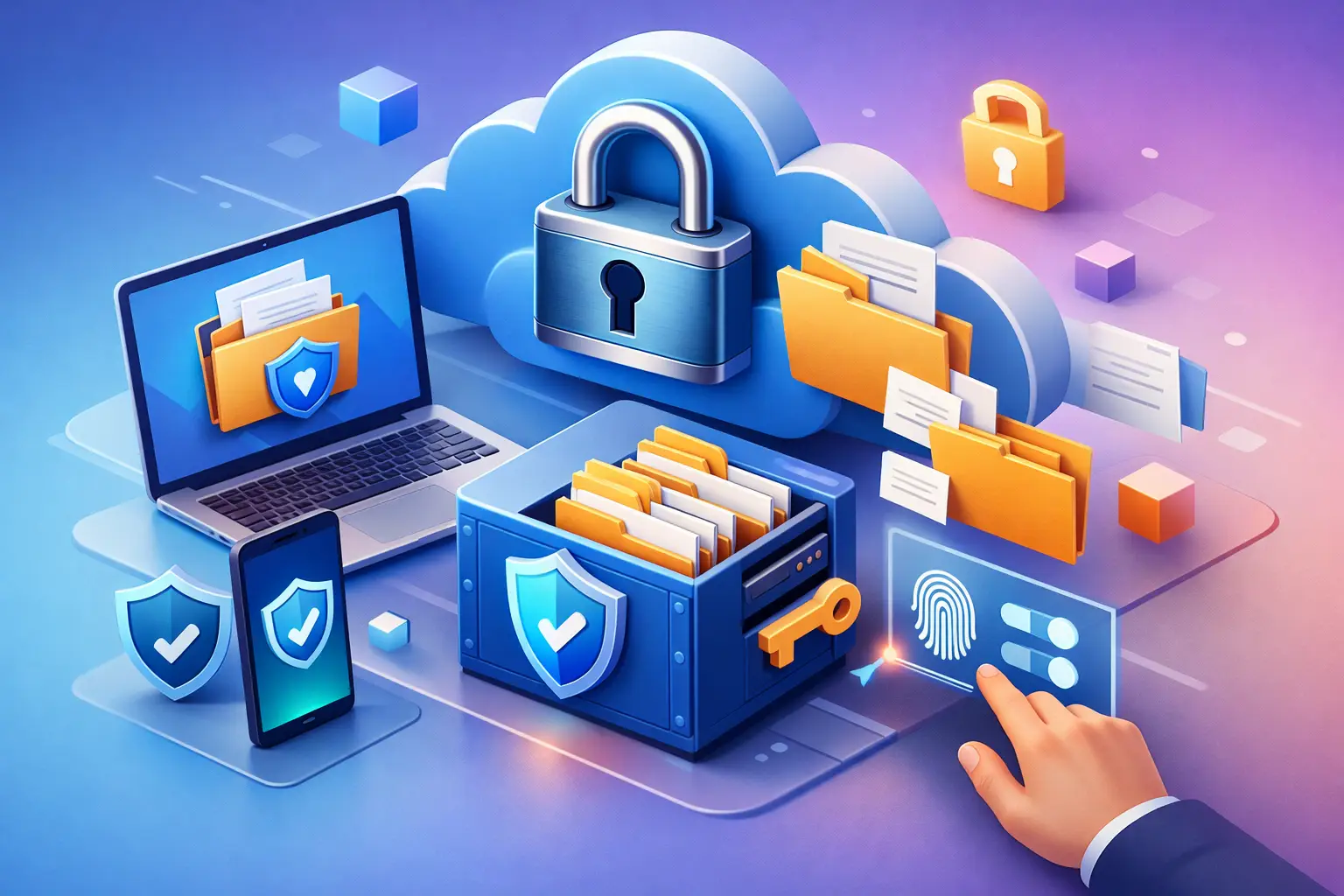
A tax return needed from your phone, a signed client agreement requested during a meeting, or a school record you cannot afford to lose should not be buried in an old email thread or trapped on one laptop. Secure document storage online gives your most important files a protected home that is available when you need it, without giving up control over who can see them.
For individuals and teams alike, the goal is not simply to upload files to the cloud. It is to create a reliable system for storing, finding, restoring, and sharing documents with confidence. The right approach protects privacy while keeping everyday work simple.
What Secure Document Storage Online Should Protect
Documents often contain more sensitive information than people realize. Medical forms, invoices, financial statements, identification records, contracts, student files, and project plans can all create problems if they are lost, exposed, or accidentally shared with the wrong person.
A dependable cloud storage service should use encryption to help protect files during transfer and while they are stored. Encryption matters because it helps prevent unauthorized access to your data. Still, security is not one setting or one promise. Your protection also depends on the controls you use every day: strong account credentials, careful sharing settings, and a clear understanding of who has access to each folder.
Availability matters just as much. A document that is technically secure but unreachable when you are traveling, changing devices, or working from home is not serving its purpose. Browser-based storage makes it possible to access files from a desktop, tablet, or mobile device without relying on a single hard drive or installing complicated software.
Build a Storage System You Can Actually Use
The most secure setup is often the one people will follow consistently. If uploading and organizing documents feels like a major project, important files tend to stay in downloads folders, inboxes, and desktop clutter.
Start with a folder structure that reflects how you look for information. An individual might create folders for Personal Records, Financial Documents, Health, Home, Education, and Photos. A freelancer may prefer Clients, Active Projects, Contracts, Invoices, and Archive. Teams often work best with a shared structure based on departments, clients, or project stages.
Keep folder names plain and predictable. A name such as “2026 Tax Documents” is easier to scan than “New files final.” For documents that are updated often, use a consistent file naming pattern such as `ClientName_Project_2026-07-24`. This reduces duplicate copies and makes the current version easier to identify.
It also helps to separate files by sensitivity. Your family photos may need storage and backup, but they do not necessarily need the same sharing rules as a passport scan or a signed employment agreement. Organizing sensitive documents in dedicated folders makes permission management more deliberate.
Use version history as a safety net
Overwriting the wrong file is a common and expensive mistake, especially when several people contribute to the same project. Version history lets you recover an earlier copy when a document is changed, deleted, or saved incorrectly.
This is especially useful for proposals, contracts, design files, budgets, and collaborative reports. Version history is not a replacement for clear team communication, but it provides a practical recovery option when something goes wrong.
Share Documents Without Losing Control
Email attachments are convenient, but they are rarely the best way to send sensitive or large documents. Once an attachment is forwarded, you have little visibility into where it goes. Shared cloud links can give you more control, particularly when they include protections such as passwords, expiration dates, and permission settings.
Before sharing a document, ask what the recipient actually needs to do. If they only need to read or download a file, do not give them editing access. If a collaborator needs to upload files to a project folder, limit their access to that workspace instead of opening your entire account.
For confidential files, password-protected links add another layer of protection. Expiring links are equally helpful for documents that only need to be available for a limited period, such as a client deliverable, application packet, or event media folder. When the deadline has passed, the link can stop working without requiring you to chase down every recipient.
Teams should also review access as projects change. A contractor may need access during a campaign but not after it ends. A former employee should not retain access to operational folders. Granular permissions and activity tracking help administrators see who can access shared workspaces and take action when responsibilities change.
Choose Storage Based on Your Real File Habits
Storage capacity is easy to underestimate. A few PDFs and spreadsheets take very little space, but scanned records, high-resolution photos, video clips, design assets, and device backups can add up quickly.
A free storage plan can be a sensible starting point for personal records, class materials, and a small collection of essential documents. It gives you a chance to establish your folder structure and decide whether browser-based access fits your routine. As your needs grow, paid plans can provide more capacity along with faster transfers, expanded restoration options, and stronger sharing controls.
For a solo professional, the right plan may be defined by client files and transfer speed. For a creative team, collaboration tools, shared folders, and permission controls may matter more than raw storage space. For a business, administrative controls, activity tracking, API access, and dedicated workspaces can be the deciding factors.
The best choice is not always the largest plan. It is the plan that gives you enough room to store current files, preserve useful history, and grow without forcing you to constantly remove documents you may need later.
Everyday Practices That Strengthen File Security
Cloud storage security works best when account habits support it. A few simple practices can make a meaningful difference:
- Use a long, unique password for your storage account. Do not reuse a password from email, shopping, or social media.
- Review active devices regularly and remove any device you no longer use or recognize.
- Share folders only with people who need access, and choose the lowest permission level that still lets them complete their work.
- Set expiration dates for temporary links and remove old links when a project is finished.
- Keep an eye on account activity, particularly in shared team spaces where multiple people work with the same files.
These steps are practical rather than complicated. They turn security from a vague concern into a set of decisions you can manage directly.
Questions to Ask Before Moving Documents Online
Not every storage service offers the same balance of privacy, convenience, and collaboration. Before choosing one, consider how you will use it after the first upload.
Will you need to access documents from multiple devices? Do you share files with clients, classmates, or a team? Is restoring older versions important to your work? Do you need a simple personal archive, or do you need roles and administrative oversight for a growing business?
The answers affect which features are worth paying for. Someone storing personal records may prioritize simple access and privacy. A professional managing active client work may need password-protected sharing and version history. A team handling operational files may require workspaces, granular roles, and activity visibility.
Cloud8USA is designed around this idea of flexible control: start with the storage you need, then add capacity and collaboration features as your files and responsibilities grow. The dashboard should make routine storage feel straightforward, while advanced controls remain available when the work calls for them.
Keep Important Files Ready, Not Just Stored
Secure storage is most valuable before an emergency happens. A lost laptop, an accidental deletion, an urgent request from a client, or a move to a new device becomes far less stressful when the documents you need are organized, protected, and accessible.
Choose one important folder this week, give it a clear name, upload the files that matter most, and review who can access it. That small habit can turn scattered documents into a system you can rely on when it counts.