A misplaced phone, an accidental overwrite, or one overly broad share link can put years of photos, personal records, and client work at risk. Data protection is not only about stopping outside threats. It is about making sure the files you rely on stay private, available, and recoverable when life or work gets messy.
For individuals, that may mean protecting tax documents and family videos. For freelancers, it can mean preserving final deliverables, contracts, and source files. For teams, it means keeping projects moving without giving every collaborator access to every folder. The goal is the same: you stay in control of who can reach your files, what they can do with them, and how quickly you can get them back.
What Data Protection Means for Everyday Files
Data protection has three practical jobs. First, it limits unauthorized access to your information. Second, it preserves file integrity so the right version is available and changes are traceable. Third, it keeps data accessible when a device fails, a file is deleted, or you need it away from your usual desk.
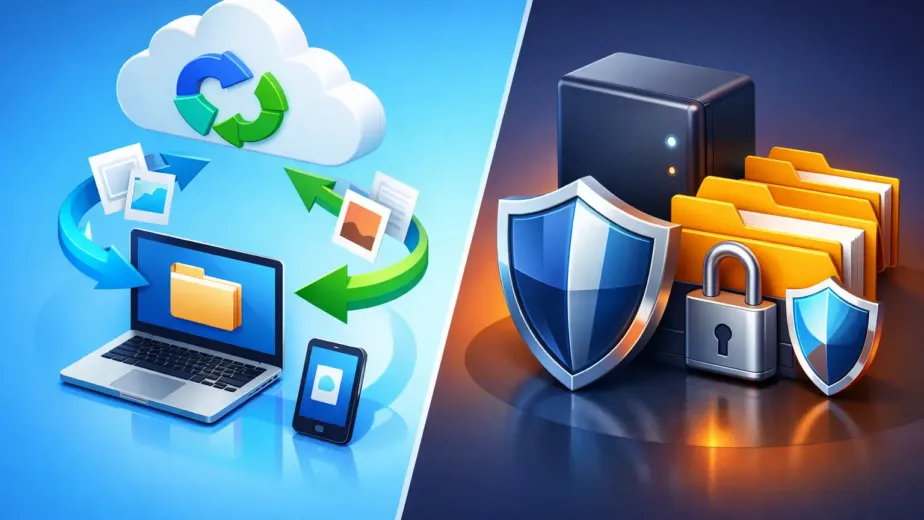
These jobs work together. Encryption helps prevent exposure while files are stored and transferred. Strong account protection helps stop someone else from entering your storage space. Version history and file restoration help when the problem is not an intruder at all, but a rushed edit, a bad sync, or an accidental deletion.
That last point matters because many file losses are ordinary mistakes. A spreadsheet gets saved over. A folder is moved into the wrong location. A laptop is damaged between meetings. Security tools can reduce risk, but recovery features are what turn a frustrating mistake into a manageable one.
Start With Clear Control Over Access
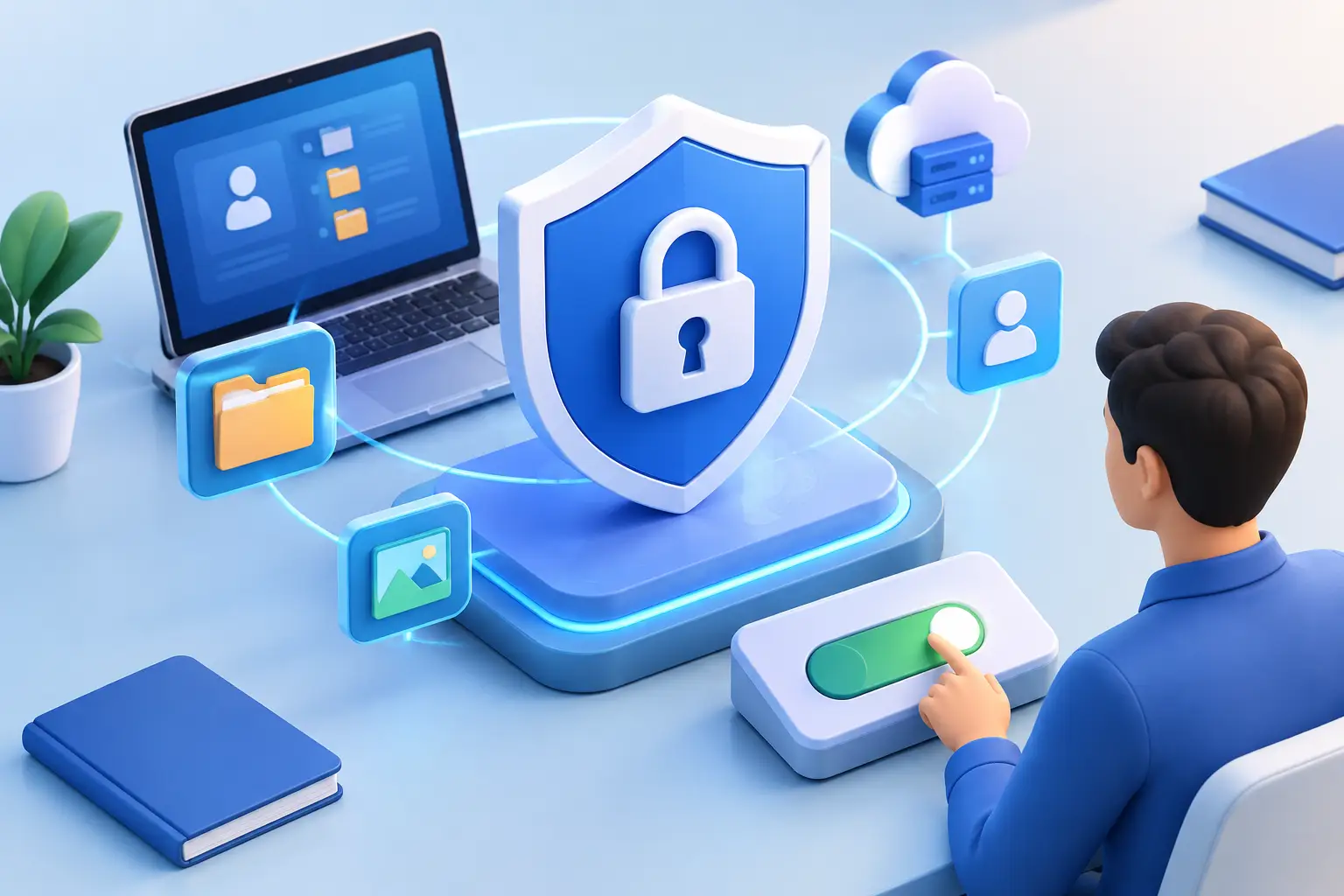
The safest storage setup is not necessarily the most complicated one. It is the one you can understand and maintain. Begin with an account password that is long, unique, and not reused from another service. If multi-factor authentication is available, enable it. A password manager can make unique passwords much easier to use without relying on memory.
Then review the devices connected to your account. Remove old computers, shared tablets, or phones you no longer use. This step is often overlooked after an upgrade, a job change, or the end of a project. Keeping your device list current reduces the number of places where an active session could be exposed.
Give People Only the Access They Need
A collaborator who needs to review a proposal does not always need permission to edit, delete, or share the whole project folder. Use view-only access when feedback is the goal. Use editing rights for active contributors. Keep administrative controls limited to the people responsible for managing users, billing, and storage rules.
This approach is called least-privilege access, but the idea is simple: access should match the task. It prevents small sharing decisions from becoming permanent, wide-open permissions that no one remembers setting.
For a small team, create separate workspaces or folders for different clients, departments, or projects. That structure makes it easier to see who should have access and easier to remove it when the work ends. Granular roles take a few extra minutes to set up, but they can save hours of cleanup later.
Protect Files From Loss, Not Just Exposure
Privacy is only one side of data protection. A file that is perfectly private but impossible to restore is still a problem.
Store important files somewhere separate from the device where they were created. If your computer fails, local-only folders may disappear with it. Cloud storage gives you access from a browser, desktop, tablet, or mobile device, which is useful when you are traveling, replacing hardware, or working from more than one location.
Version history adds another layer of protection. Instead of treating every save as final, it preserves earlier versions for a defined period. If an image export replaces an original, a document is edited incorrectly, or a shared file changes unexpectedly, you can restore a prior version rather than starting again.
There is a trade-off: version history is most useful when you know how long versions are kept and which files are covered. Check your plan’s retention period and storage limits, especially for media-heavy projects. Large video libraries, design files, and raw photography can use capacity quickly. A little organization makes recovery faster when you need it.
Make Backups Intentional
Syncing and backup are related, but they are not identical. Sync keeps current files available across devices. Backup preserves a recovery copy. If a mistaken deletion syncs everywhere, version history or a separate backup can be what saves you.
For files that would be difficult or expensive to recreate, keep more than one copy. One might live in your primary cloud account, while another is retained on an external drive or in a separate protected location. The right approach depends on the value of the data, how often it changes, and how quickly you would need to recover it.
Treat Sharing as a Security Decision
Sharing is where convenience and data protection most often meet. A link can be the fastest way to send a large presentation, portfolio, or client folder. It can also be forwarded, opened on an unmanaged device, or left active long after its purpose has passed.
Use password-protected links for sensitive materials, especially when sharing financial records, client files, or unreleased creative work. Add an expiration date when the recipient only needs temporary access. When a project is complete, disable links and remove former collaborators rather than assuming they will no longer use them.
Before sending a shared folder, check its contents from the recipient’s point of view. It is easy to share a parent folder that contains drafts, internal notes, or unrelated files. A dedicated delivery folder is often safer than sharing your entire working directory.
Activity tracking can also help teams answer practical questions: Was the file opened? Who changed it? When was it shared? This is not about monitoring people for its own sake. It creates accountability when several people are working from the same set of files.
Build a Simple Routine You Will Actually Follow
The best security process is one that fits how you work. A complicated system that gets ignored is less useful than a straightforward routine repeated every month.
Set a reminder to review account devices, shared links, and collaborator permissions. Organize files into clear folders so you can find sensitive records quickly. Separate personal, client, and team files when possible. Label final deliverables clearly, and avoid keeping the only copy of an important file in a download folder or email attachment.
When you bring on a new teammate or finish working with a client, make access changes part of the process. Add the right permissions at the start. Remove them at the end. This small habit protects the relationship as well as the files.
Cloud8USA is built around that kind of direct control, with encrypted storage, browser-based access, share settings, version history, and higher-tier workspace controls for people whose file needs grow over time. Whether you need a place for personal records or a structured space for a busy team, choose features based on the way you actually store, share, and recover files.
Questions to Ask Before Choosing Storage
Before trusting a service with important files, ask what happens if you delete something, lose a device, or need to stop sharing immediately. Look for clear answers about encryption, restoration, permissions, device access, and support.
Also consider your real storage pattern. A student saving class materials may need simple access and modest capacity. A photographer or video editor may prioritize larger storage and faster transfers. A business handling customer files may need team workspaces, activity tracking, administrative controls, and defined roles. More features are not automatically better. They should solve a real need without making everyday storage harder to manage.
Your files hold more than data. They hold proof, progress, memories, and the work people count on you to deliver. Give them a home where access is deliberate, sharing is temporary when it should be, and recovery is never an afterthought.