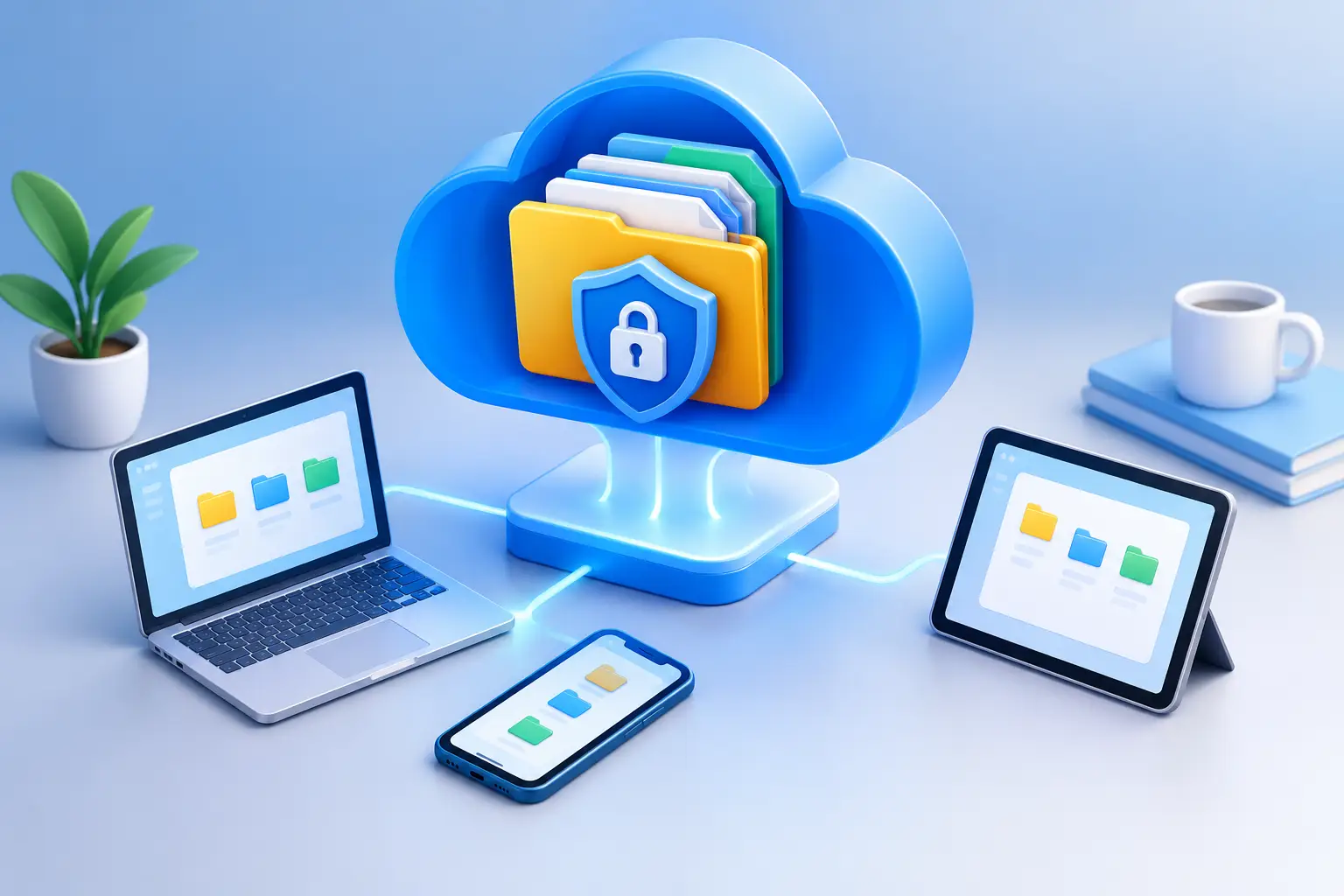
A lost phone, failed laptop, or mistaken folder deletion can turn ordinary files into an urgent problem. The best cloud storage gives your photos, documents, creative work, and business records a protected home that you can reach when you need them – without making file management harder than it needs to be.
The right choice is not always the service with the largest advertised storage number. It is the one that fits how you work, protects what matters, and lets you stay in control of who can view, edit, download, or share your files. For a student, that may mean quick access to class materials on a phone. For a freelancer, it may mean sending client deliverables with a password. For a growing team, it may mean managing permissions and activity in one clear dashboard.
What Makes the Best Cloud Storage Different?
Cloud storage should do more than hold files. It should make your digital life easier to organize and safer to manage. Start with the basics: can you upload from the browser, find files quickly, create folders that match your workflow, and open what you need from desktop, tablet, or mobile? Those everyday details determine whether a storage account becomes useful or simply becomes another place where files disappear.
Security is equally important. Look for encryption, secure account access, and sharing controls that let you decide exactly how a file is handled. A shared folder for a project may need edit access for a few collaborators, while a financial document may only need a view-only link with a password and expiration date. Good storage gives you those choices without requiring an IT department to configure them.
Reliability also includes recovery. Accidental overwrites happen. So do deleted files and incorrect edits. Version history and file restoration can make the difference between a short interruption and recreating hours of work. If your files support your income, studies, operations, or personal records, recovery tools should be part of the decision, not an afterthought.
Start With the Files You Need to Protect
Storage capacity is easy to compare, but it should be based on real use rather than guesswork. A few gigabytes may be enough for personal documents, basic backups, and selected photos. It will not last long if you regularly upload raw images, high-resolution video, design files, or large project folders.
Before choosing a plan, take a quick inventory. Consider what you have now, what you create each month, and what needs a second copy outside your devices. Photos and videos often consume space faster than expected. Freelancers may need to retain completed work for clients. Small teams can see storage use grow quickly when multiple people contribute drafts, media, and shared resources.
It is also worth considering whether you need room to grow. Moving files between accounts because you ran out of space is inconvenient, especially when folders are already shared with others. A tiered service lets you begin with the capacity you need and move up as your file library expands.
Personal files need simplicity
For personal use, the best experience is usually straightforward: upload important photos, store copies of documents, organize folders, and access them from any approved device. You should not have to install complicated software or learn technical storage terms to protect your files.
A browser-based dashboard can be particularly helpful here. Sign in, manage your files, and make changes from the device in front of you. That simplicity matters when you are replacing a computer, traveling, or helping a family member locate an important record.
Professional files need control
Professional use adds more pressure. A designer sending proofs, a consultant sharing reports, or a photographer delivering galleries needs files to arrive safely and look organized. Faster transfers, file previews, folder sharing, and permission controls can save time while presenting a more polished experience to clients.
For sensitive materials, avoid treating every file as a public attachment. Password-protected links and expiration dates give you more control after a file leaves your immediate workspace. You can share what is needed for a defined period rather than leaving access open indefinitely.
Compare Security and Sharing, Not Just Storage Space
A large storage plan is not automatically a secure one. When comparing providers, look beyond the capacity label and ask what happens around the file itself. Is data encrypted? Can you control access at the account, folder, and link level? Can you revoke a share when a project ends? Are account activities visible to the people responsible for managing the workspace?
For teams, granular permissions are especially valuable. Not every collaborator needs the same level of access. Some people may only need to view files, while project leads need the ability to upload, edit, organize, and share. Clear roles reduce accidental changes and keep confidential information from reaching the wrong person.
Activity tracking adds another layer of confidence. When several people work in shared folders, it helps to know what changed and when. This is less about watching coworkers and more about maintaining accountability around client assets, internal documents, and ongoing projects.
The trade-off is that more advanced controls can be unnecessary for a simple personal archive. If you only need a safe place for tax records and family photos, a clean interface and secure access may matter more than team administration. Choose the tools that solve your actual file problem, not features you will never use.
Access Should Be Convenient, Not Wide Open
Cloud storage is valuable because your files are available away from your main computer. But access should remain yours to manage. Look for services that support multiple devices while allowing you to review and control which devices are connected to your account.
This matters when a device is lost, upgraded, shared, or no longer used. You should be able to remove access without wondering whether old sessions still have a path to your files. Strong passwords and available account security settings are part of the picture, but device visibility gives you another practical layer of protection.
Convenience also means file access works with your routine. A student may need to download a paper before class. A contractor may need to retrieve a project document from a job site. A team member may need to review a shared asset while traveling. The best cloud storage makes these moments ordinary rather than stressful.
Choose a Plan That Matches Your Work
Free storage can be a smart starting point when you want to test the dashboard, store essential files, or protect a limited collection. It gives you a chance to evaluate organization, upload performance, and access from your own devices before making a larger commitment.
Paid plans make more sense once capacity, sharing, speed, and recovery features become part of your daily workflow. Individuals with large media libraries may prioritize terabytes of space. Independent professionals may need faster transfers and protected sharing. Teams may need workspaces, administrative controls, and clear permission levels. Businesses handling operational files may also benefit from API access and automation options that connect storage to existing processes.
Cloud8USA reflects this practical progression with plans ranging from a free 2GB option to multi-terabyte plans for individuals, professionals, teams, and businesses. The point is not to pay for the biggest plan immediately. It is to select the capacity and controls that let you work confidently now, with a clear path to expand later.
A Better Way to Make Your Decision
Start by uploading a small but meaningful set of files during a trial or free plan period. Add a few photos, a document you use often, and one folder you may need to share. Then test the tasks that matter: find a file on another device, organize it, share it with the right restrictions, and restore a previous version if that feature is available.
That short test reveals more than a feature comparison page can. You will quickly learn whether the dashboard feels clear, whether sharing is easy to control, and whether the service fits your real habits. The right storage provider should leave you feeling organized and protected, not dependent on confusing settings.
Your files hold evidence of your work, your memories, and the details that keep life moving. Give them a place where access stays convenient, privacy stays respected, and control stays with you.