A lost contract, an outdated project file, or a photo folder trapped on one device can create a problem far bigger than the file itself. File hosting gives you one dependable place to store the digital work and records you rely on, then access them when and where you need them.
For individuals, that may mean tax documents, family photos, and class materials. For freelancers and teams, it can mean client deliverables, media assets, project folders, and shared operating files. The goal is not simply to add storage. It is to keep files organized, protected, available, and under your control.
What File Hosting Actually Does
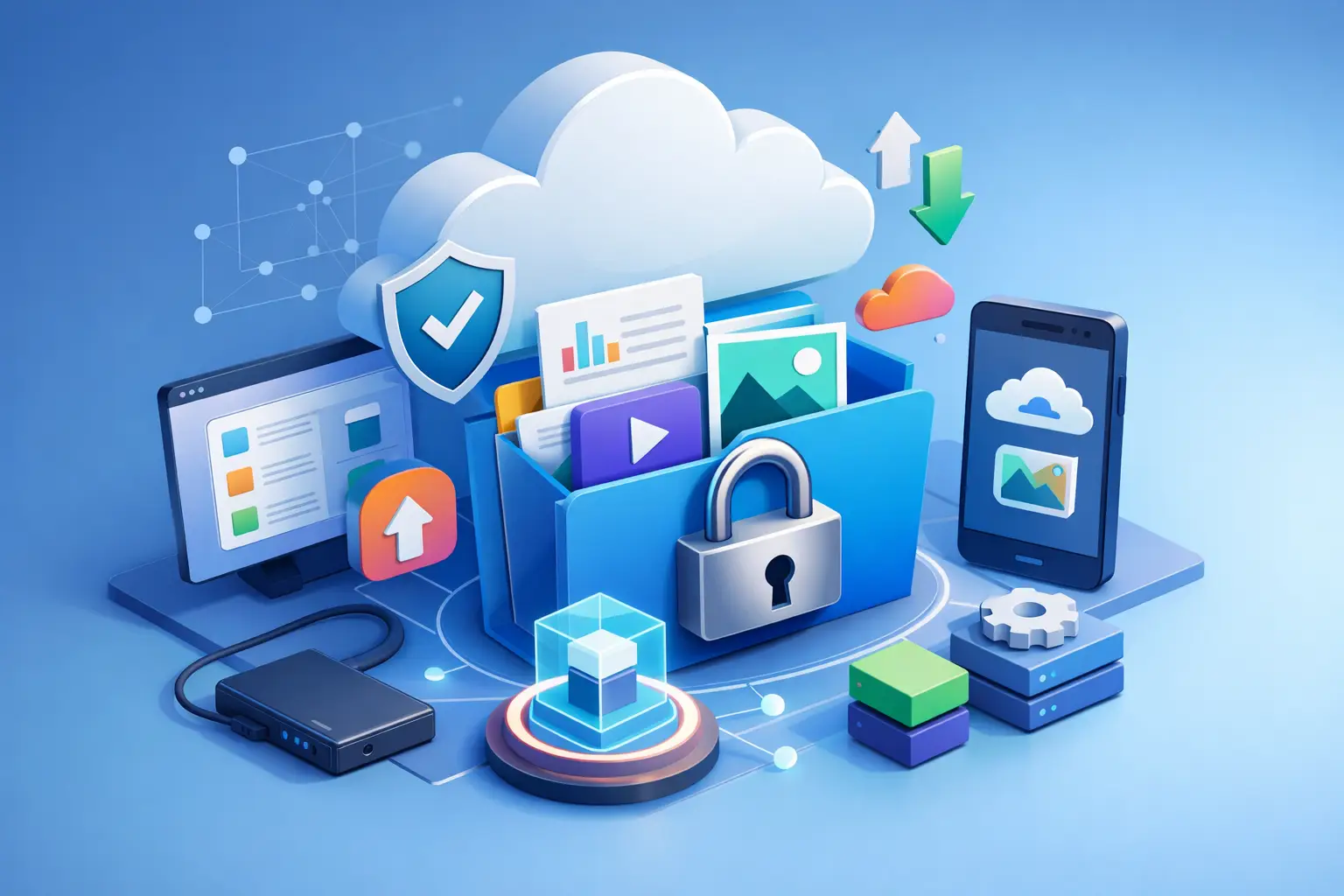
File hosting is a service that stores your files online and makes them available through a browser-based account. Instead of keeping the only copy of an important document on a laptop, external drive, or phone, you upload it to a secure storage space that you can reach from approved devices.
A useful file hosting service does more than hold data. It helps you organize folders, search for what you need, preview supported files, share selected items, and manage who can access them. When your needs grow, it can also support larger transfers, version history, team workspaces, and more detailed permissions.
That distinction matters. A basic attachment tool is built for sending one file. A file hosting platform is built to give your files a home. You decide how that home is organized, which devices can use it, and whether anyone else gets access.
Why Local Storage Alone Creates Risk
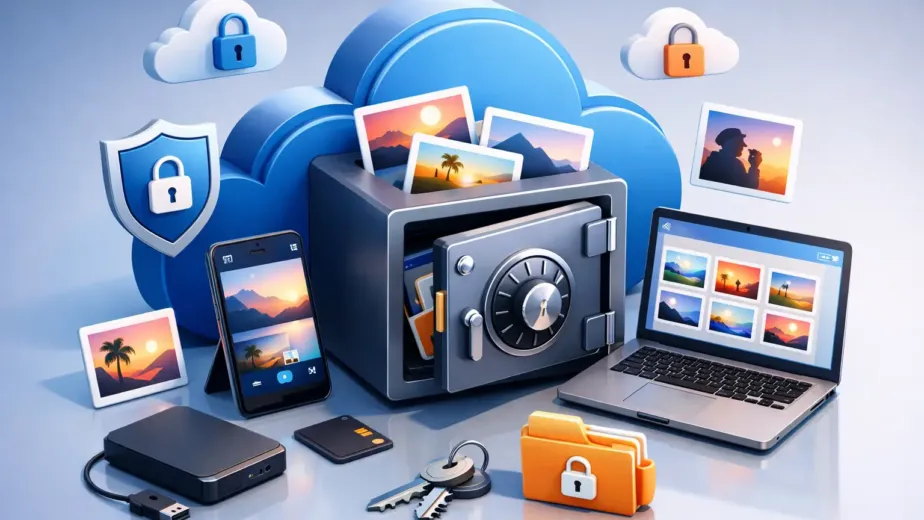
Local storage still has a place. Saving a working draft to your computer is fast, and an external drive can be useful for an additional backup. The risk begins when a single device becomes the only location for files that cannot be easily replaced.
Laptops fail. Phones are lost. A folder can be overwritten, deleted, or left behind on an old device. Even when nothing goes wrong, local-only storage makes everyday work harder. You may have the file at your desk but not during a meeting, on campus, or while traveling.
Online file hosting reduces that dependence on one piece of hardware. With your files stored in an account you control, you can sign in from a desktop, tablet, or mobile device when you need access. That does not mean every file belongs in the cloud without thought. Sensitive records deserve careful permissions, and large media libraries may require a plan with enough capacity and transfer speed. But for files you need to preserve and use regularly, centralizing access is a practical safeguard.
The Features That Matter Most
Storage capacity gets most of the attention, but it is only one part of the decision. A plan with plenty of space is not very helpful if finding, sharing, or protecting files becomes difficult.
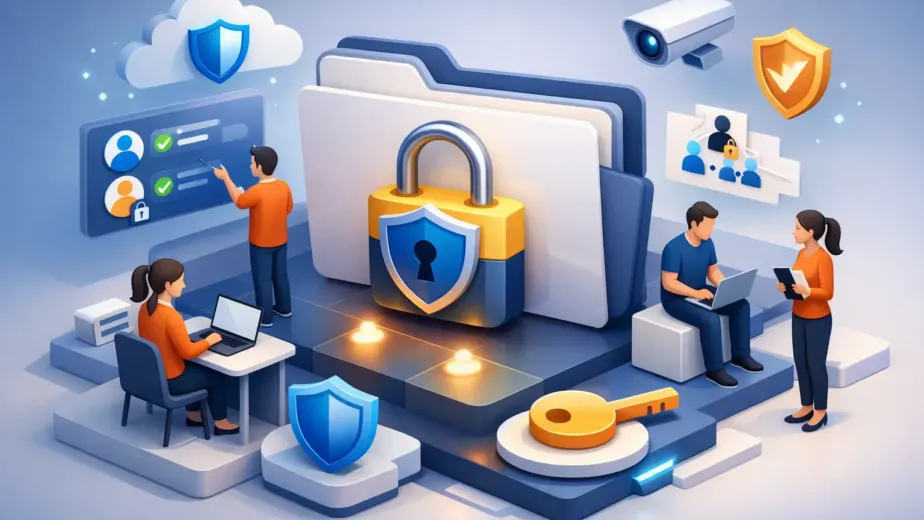
Security and account control
Start with how the service protects stored data and your account. Encryption helps protect files during transfer and while they are stored. Secure sign-in practices, device management, and account recovery options also matter because your storage is only as protected as access to it.
Control should remain with the account owner. You should be able to see where you are signed in, remove a device you no longer use, and change access when circumstances change. For sensitive documents, this is more useful than relying on a vague promise that files are “safe.”
Organization that matches real work
A clean folder structure saves time every week. Create broad folders first, such as Personal, School, Clients, Finance, Photos, or Team Projects. Then use consistent subfolders based on year, project, client, or status.
File names matter, too. A name such as `2026-04_ClientName_Proposal_v3.pdf` is far easier to find than `final-new.pdf`. The best organization system is not the most elaborate one. It is the one you will use consistently when uploading new files.
Sharing with boundaries
Sharing is where convenience and privacy need to work together. Sending a file should not require making an entire folder public or giving every recipient the same level of access.
Look for share links that can be password-protected or set to expire. For ongoing collaboration, folder permissions can allow one person to view files while another can upload, edit, or manage content. These controls are especially valuable for client work, internal documents, and files that should not remain accessible after a project ends.
Version history and recovery
Mistakes are part of work. A newer draft may be worse than the earlier one. A collaborator may accidentally replace a file. Version history gives you a way to restore a previous copy without rebuilding it from memory.
Not every file needs long-term version retention. A temporary export may not justify it, while a proposal, design source file, spreadsheet, or operating document often does. Think about recovery before you need it, not after the original has disappeared.
Choosing a File Hosting Plan That Fits
The right plan depends on what you store, how often you share it, and whether you work alone or with others. Choosing only by the lowest price can lead to a cramped account or missing controls. Choosing the largest plan without a real need can waste budget.
A free or entry-level plan can be a sensible starting point for personal documents, a limited photo library, or testing your preferred folder structure. It gives you a chance to see whether browser access and everyday uploads fit your routine.
A higher-capacity plan makes more sense for creators with image, video, or audio files; professionals keeping active client archives; and households consolidating important records. Faster transfers can matter when you upload large media files or share time-sensitive deliverables.
For teams, capacity is only part of the conversation. Shared workspaces, granular roles, activity tracking, administrative controls, and API access can reduce confusion as more people work in the same account. A small team may need simple folder sharing today, then require structured permissions and oversight as projects and headcount grow.
Cloud8USA is designed around that progression, from straightforward personal storage to higher-capacity plans with collaboration, sharing controls, version history, and administrative features. The useful question is not, “How much storage can I buy?” It is, “What control will I need over these files six months from now?”
A Simple Setup That Stays Manageable
You do not need a complicated migration to get value from hosted storage. Begin with the files that would cause the most disruption if they were lost or unavailable: identification records, financial documents, current project files, client materials, and irreplaceable photos.
Upload those files into a small set of clear folders. Then review sharing before you send anything. If a link is intended for one recipient, add a password when appropriate and use an expiration date for temporary access. If a folder is shared with a colleague, give the least access needed for that person to complete the work.
Next, make file hosting part of your normal routine. Add new project materials at the beginning of a job instead of waiting until the end. Save final deliverables in the same location as working files. Review devices and shared folders periodically, especially after changing phones, replacing a computer, or completing a client engagement.
This approach is less dramatic than a full-scale digital cleanup, but it is more likely to last. The value comes from small habits that keep important files where they belong.
File Hosting Is Not the Same as a Complete Backup Plan
Hosted storage can protect against device loss and give you convenient access, but it should be part of a broader approach for critical data. If a file is truly irreplaceable, keep more than one copy and make sure you understand how deletions, retention, and version history work in your chosen plan.
For example, a photographer might keep active projects in hosted storage for access and client delivery while maintaining a separate archival copy. A small business may use shared storage for current operations while preserving records according to its own retention requirements. There is no single setup that fits every situation.
The practical standard is simple: know where your important files live, who can reach them, and how you would recover them if something goes wrong. When those answers are clear, file hosting becomes more than storage. It becomes a calmer, more controlled way to manage the digital files that support your life and work.