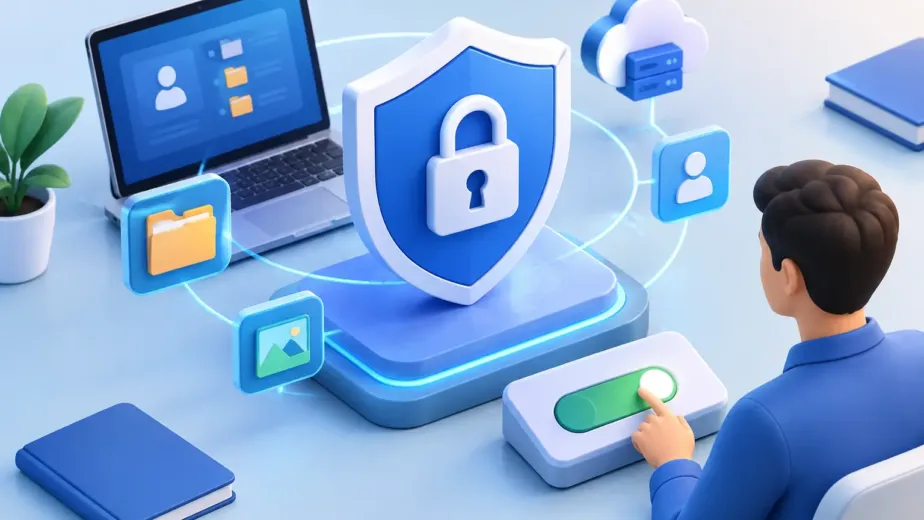
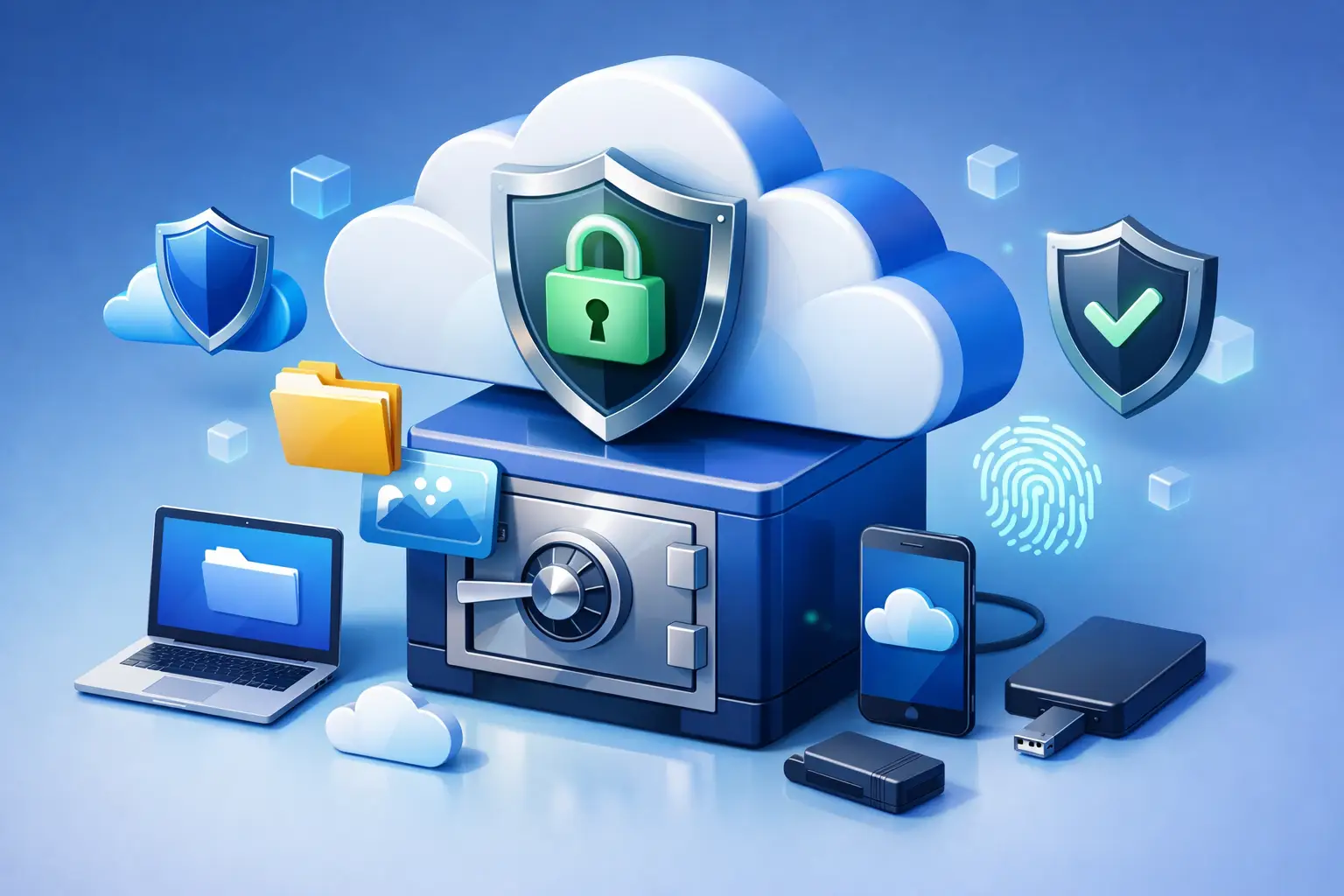
A lost phone, failed laptop, or mistakenly deleted folder can put years of work and personal records at risk. That is why people ask, is online storage safe before uploading family photos, tax documents, client projects, or business files. The honest answer is yes, online storage can be very safe – but safety depends on the provider’s protections and the controls you use.
Cloud storage is not automatically safer simply because files are stored somewhere else. A secure service should protect files while they travel to the cloud, while they are stored, and when they are shared. It should also give you clear control over who can access your account and what happens when a file is changed or deleted.
Is online storage safe for important files?
For most people and teams, reputable online storage is safer than relying on one computer, external drive, or phone. Local devices can be stolen, damaged by water or fire, infected with malware, or lost during travel. A cloud account keeps a separate copy available from another approved device, so a hardware problem does not have to become permanent data loss.
Still, “online” does not mean risk-free. An account with a reused password is vulnerable even if the storage platform has strong security. A file shared through an open link can reach more people than intended. And if you upload sensitive information to a service without understanding its privacy practices, you may be giving up more control than you expect.
The better question is not whether cloud storage is perfectly safe. Nothing involving data and people can promise that. The useful question is whether a provider gives you sensible layers of protection, and whether those layers fit the type of files you store.
The protections that make online storage safer
Encryption protects files in transit and at rest
Encryption turns file data into unreadable information unless the proper security keys are used. When you upload a document from your browser, encryption in transit helps protect it from interception while it moves between your device and the service. Encryption at rest protects files stored on the provider’s systems.
These protections matter for everyday documents as much as for business files. A lease, passport scan, financial statement, design draft, or client proposal may not look like a security concern until it is exposed. Encryption helps keep private files private without making access difficult for authorized users.
Encryption is a foundation, not the entire security plan. It cannot protect an account if someone signs in using your stolen password. That is where account security and permissions become essential.
Strong sign-in habits protect the front door
Your password is often the first thing standing between your files and an unauthorized person. Use a long, unique password for your storage account, ideally created and stored with a reputable password manager. Do not reuse a password from social media, shopping sites, or old school accounts.
Multi-factor authentication adds another check at sign-in. Even if someone gets your password, they would still need a code or approved device to enter the account. It is one of the simplest steps you can take to reduce the risk of account takeover.
Also review the devices connected to your account from time to time. Remove old phones, shared computers, or devices you no longer recognize. If a laptop goes missing, changing your password and ending unfamiliar sessions quickly can limit exposure.
Permissions make sharing more controlled
Sharing is where convenience and security meet. Sending a large file by email can create extra copies you cannot manage later. A secure share link can be a better option, provided you control who can open it and for how long.
Look for storage features that let you set view, download, edit, or folder-level permissions. Password-protected links add a gate before access. Expiring links automatically stop working after a set period, which is useful when sending proposals, event media, client deliverables, or temporary records.
For teams, granular roles are especially valuable. A contractor may need access to one project folder, not the entire company archive. An administrator may need to manage users and activity, while a contributor only needs to upload or edit specific files. Good permissions reduce unnecessary access without slowing down the work.
Version history helps recover from mistakes and attacks
Security is not only about preventing access. It is also about recovering when something goes wrong. A file can be overwritten by accident, edited incorrectly, or affected by ransomware on a synced device.
Version history keeps earlier copies of a file, allowing you to restore a previous version when needed. This is particularly helpful for spreadsheets, presentations, creative work, and shared documents that change frequently. Before choosing a plan, check how long versions are retained and whether restoration is available for the files you depend on most.
What online storage cannot protect you from automatically
Even excellent cloud security has limits. Providers can protect their systems, encrypt data, and offer account controls, but they cannot always tell whether you intended to share a file with the wrong person. They also cannot stop every phishing message that tries to trick you into giving away your login information.
Be cautious with unexpected emails, especially messages that create urgency about account suspension, shared files, invoices, or password resets. Instead of signing in through a message, open your storage dashboard directly in your browser. Check the sender carefully and never share verification codes with anyone.
You should also think about what belongs in cloud storage. Storing encrypted copies of important records is reasonable for many users. However, highly sensitive files may warrant extra precautions, such as password-protecting the document itself, limiting sharing to named people, and keeping an additional backup under your direct control.
How to choose a safe online storage provider
A safe provider should be clear about its security approach without forcing you to become an IT expert. Start with encryption, secure account access, and straightforward privacy practices. Then consider the tools that give you day-to-day control: device management, file permissions, password-protected sharing, expiring links, activity tracking, and version restoration.
Reliability matters too. Your files are only useful when you can reach them. Choose a service designed for access across desktop, tablet, and mobile devices, with enough storage for future projects rather than only today’s folder size. A plan that supports your actual workflow can prevent risky workarounds, such as moving files between personal accounts or sending sensitive attachments through unsecured channels.
For freelancers and creative professionals, faster transfers, previews, and organized shared folders can make collaboration easier without sacrificing control. For teams, workspaces, administrative controls, and detailed permissions help keep business files available to the right people. Cloud8USA is built around this practical balance: encrypted storage and simple browser-based management, with controls that can grow from personal files to team operations.
A safer way to use online storage every day
The strongest setup combines a trustworthy provider with a few consistent habits. Keep your account password unique, enable multi-factor authentication when available, and review connected devices. Organize files into folders that match how you work, then give access only to the people who genuinely need it.
When sharing, use the narrowest permission that will do the job. If someone only needs to review a document, do not give editing access. If a file is only needed for a week, use an expiration date. If the content is private, add a password and send it separately from the link.
Finally, treat cloud storage as part of a backup plan, not a reason to stop planning. Keep more than one copy of irreplaceable files, and occasionally test your ability to find and restore them. The best time to discover a missing folder or inaccessible account is not after a device fails.
Your files represent work, memories, and decisions you may need years from now. Choose storage that gives you clear security controls, then use those controls with intention. Protection feels far less complicated when you remain in charge of who can access what.